
Support center
How to cancel my subscription to the digital signature from the CNQ ?
Important: A revoked digital signature will be immediately unusable once its subscription is canceled. If you submit a request to the CNQ to cancel your subscription, they may charge a fee. To avoid this, you must cancel the subscription yourself. In addition, if you would like to obtain a new digital signature, sign-up fees will apply. The CNQ may also charge processing fees.
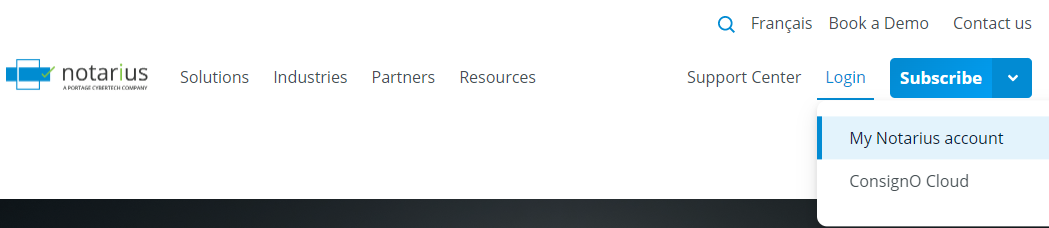
- From the homepage of our website, click on Login, then My Notarius Account
- Proceed with authenticating to .epf file linked to the subscription you want to cancel

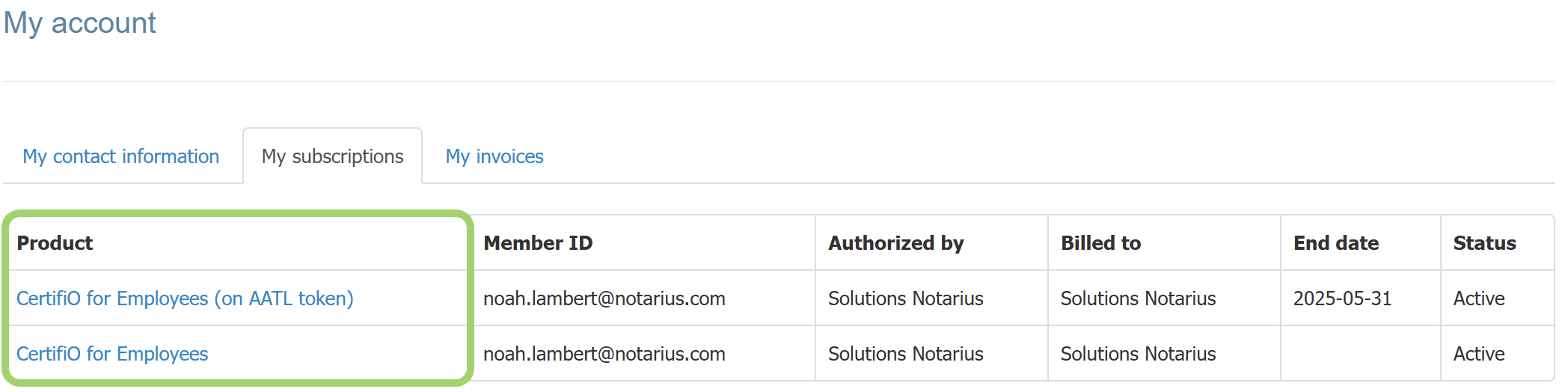
- Under the My subscriptions tab, select the subscription you wish to cancel
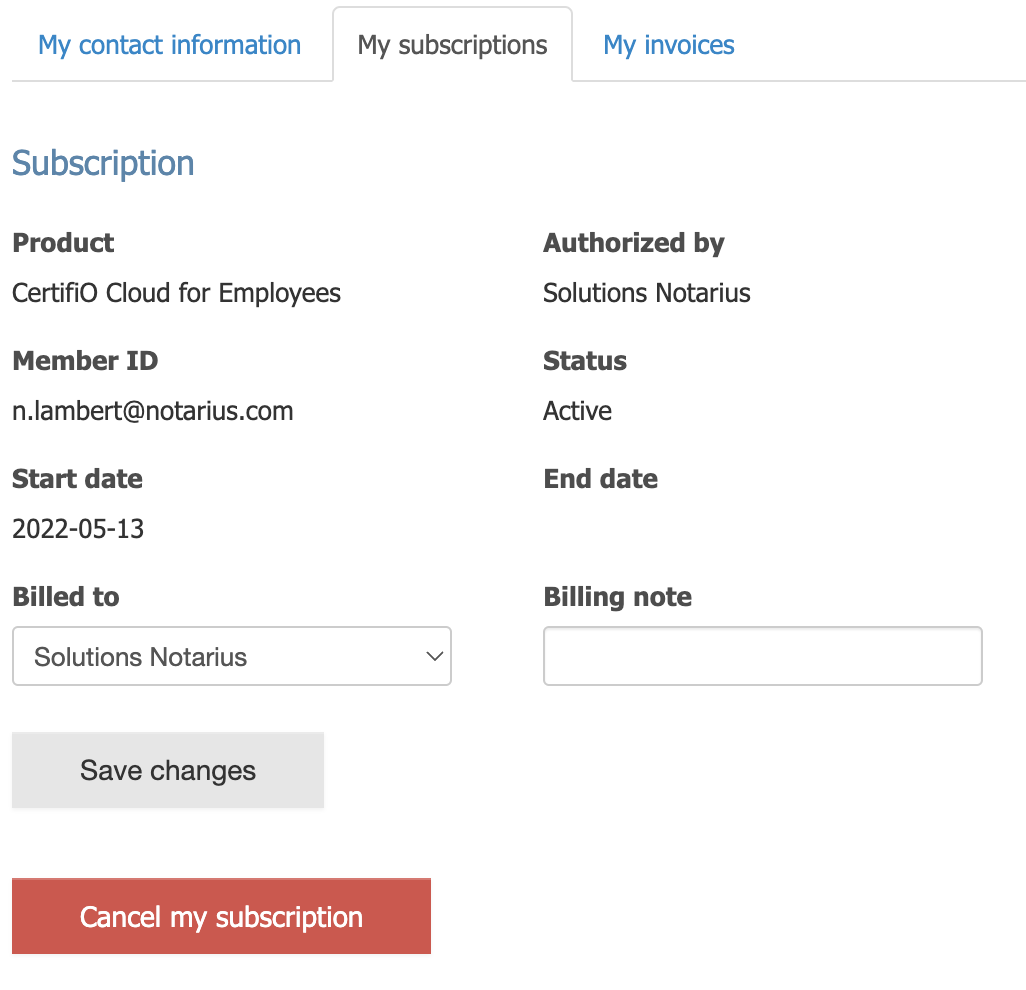
- Click on Cancel my subscription
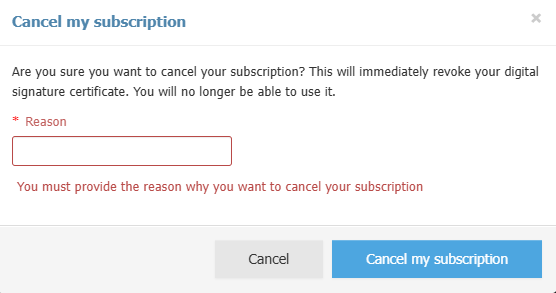
- Please write down the reason and hit the Cancel my subscription button
- Your digital signature subscription is now canceled and your digital signature revoked, with immediate effect. A confirmation email will be sent to you