Support center
Managing an organization’s address book
All of an organization’s users have access to the organization’s address book, but only users with the following additional roles can modify it:
- Administrator
- Manager
- Secretary
- Editor
Adding a signer and modifications are completed in the same way as for a personal address book (see Managing your address book).
Accessing the organization’s address book
In your dashboard, click on the arrow to the right of your name and select Address book in the dropdown menu to open the address book.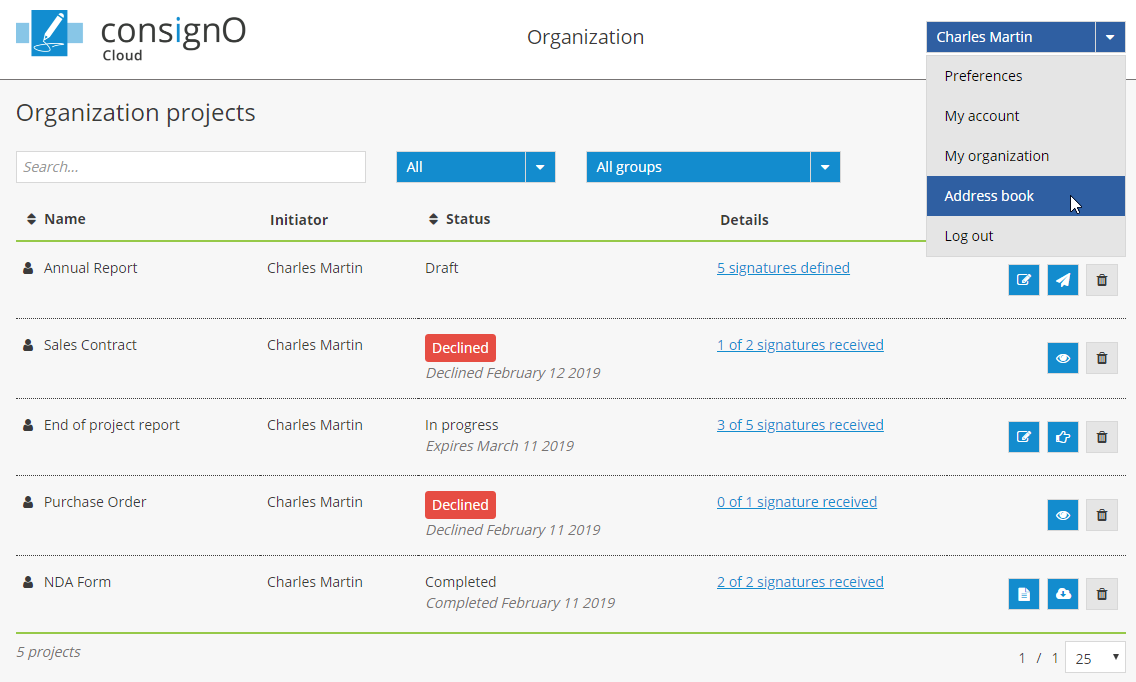
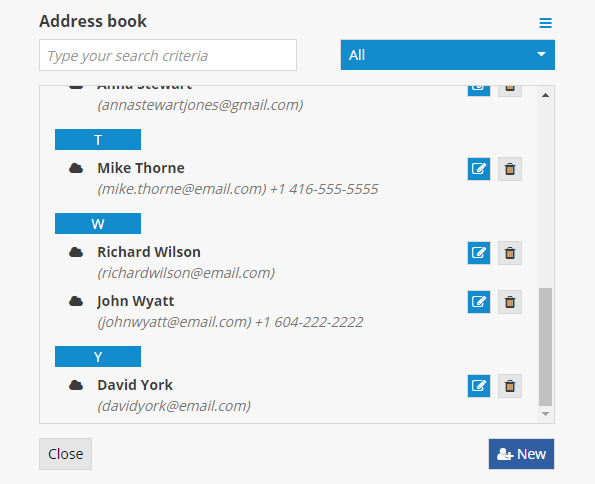
 The blue organization icon will be displayed to the right of the name of the contacts contained in the organization’s address book.
Click on the All button to display all of the contacts or select the address book that you would like to consult.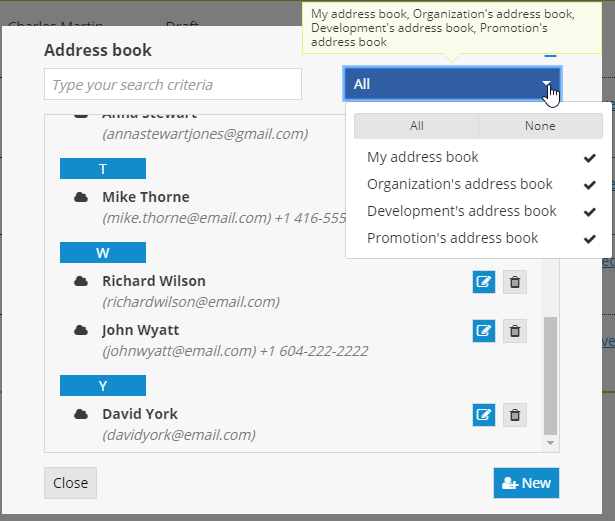
Adding contacts to a specific address book
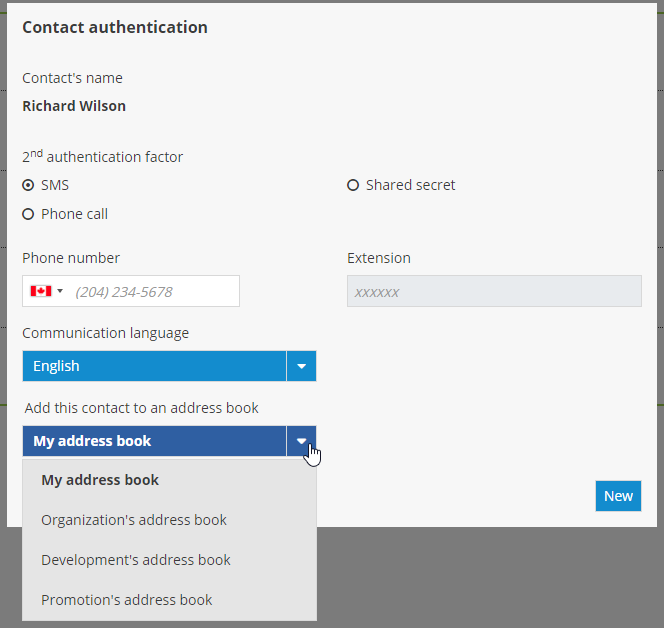
If you hold an additional role that allows you to modify the organization’s address book, you must select the address book to which you would like to add a contact (yours or the organization’s).