
Support center
How to update my contact information from my Notarius Account
Good to know
• It is NOT possible to change the email address of a digital signature CertifiO Desktop for Employee
• If you’ve changed company and you have a CertifiO Desktop for Employee digital signature, your subscription needs to be canceled and a new subscription is needed
• If your company changed its domain name, they will need to contact their Customer Success Manager
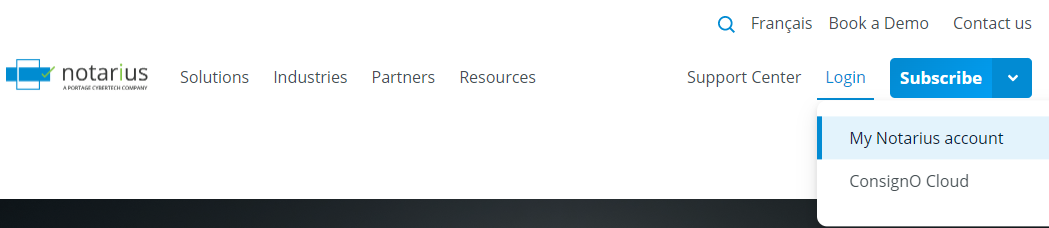
- From the homepage of our website, click on Login, then My Notarius Account
- Sign in to your Notarius account

- Click on My contact information tab
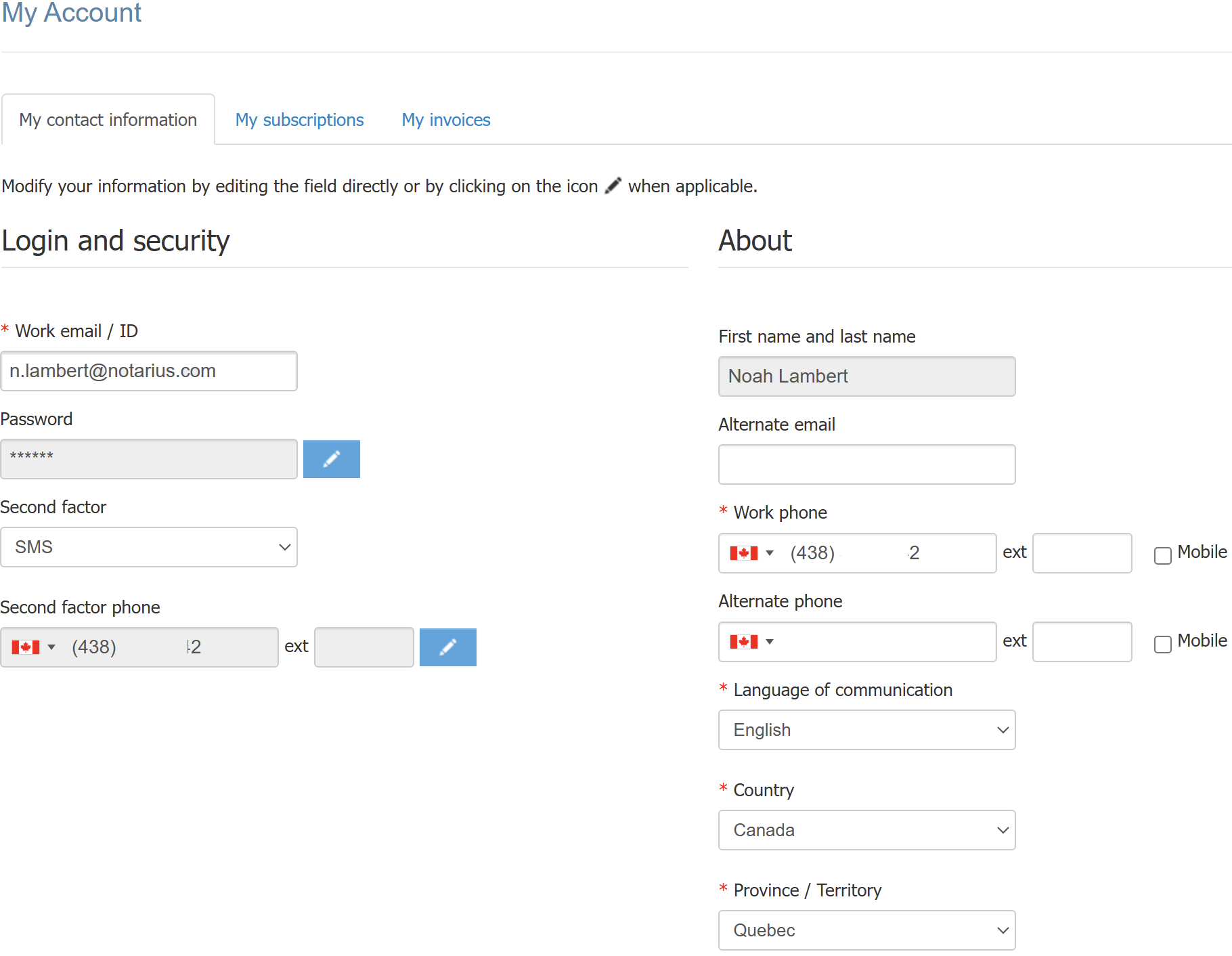
- Change your information
- To take in consideration
- If you change your email, a confirmation email will be sent to you to validate this change
- If you change second factor phone, a confirmation code will be sent to your new phone number to validate the change
- To take in consideration
- Click on Save